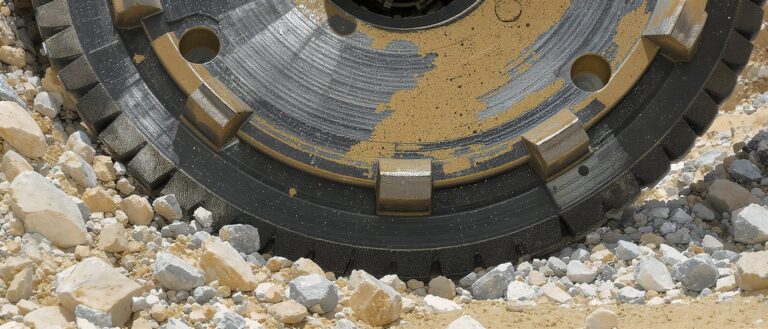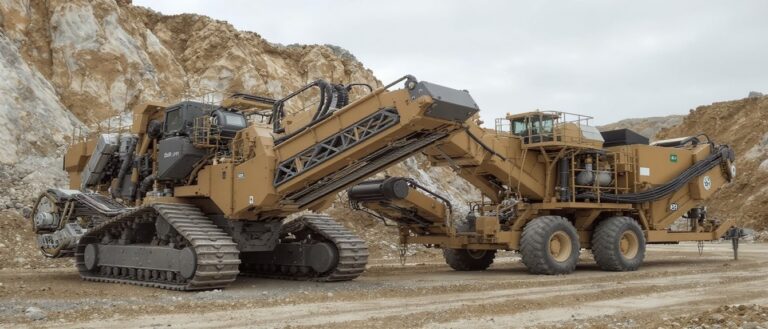
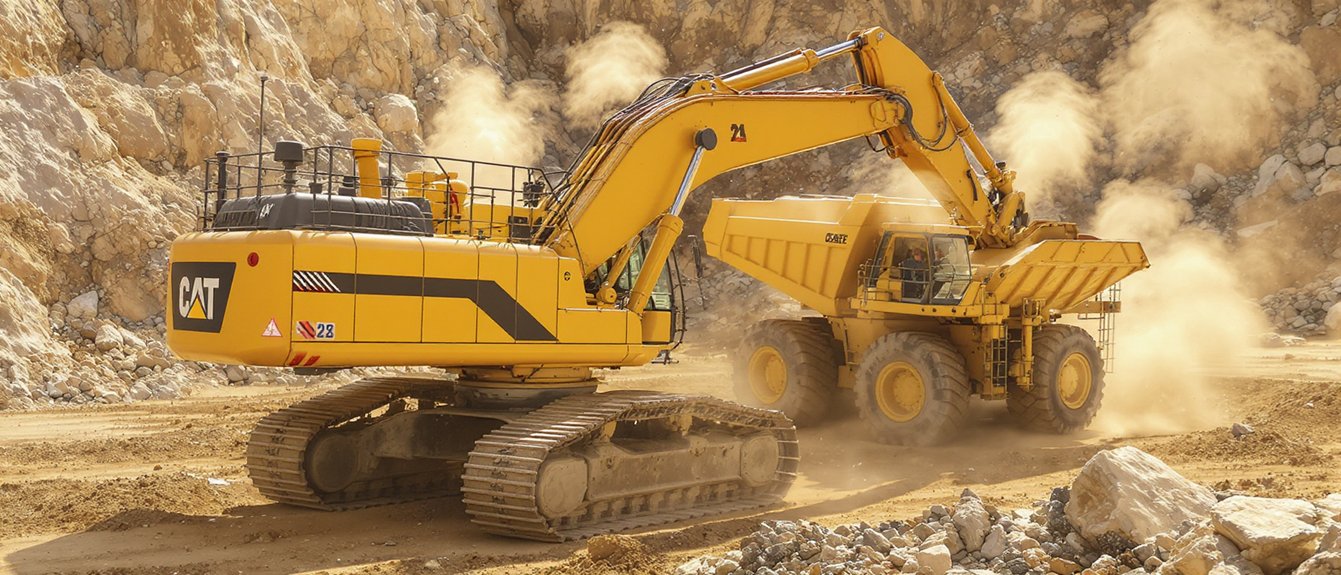
For quarry operators, telematics provides a live view of equipment health, location, fuel use, and operating behavior. Use alerts and performance data to identify developing issues, schedule maintenance, and investigate conditions that could affect safety or production. To get practical value from the data, decide which signals matter to your operation, assign someone to review them, and define what action to take when an alert appears. Check that response procedures align with your site’s safety practices and current MSHA requirements.
How Quarry Telematics Keeps Equipment Productive
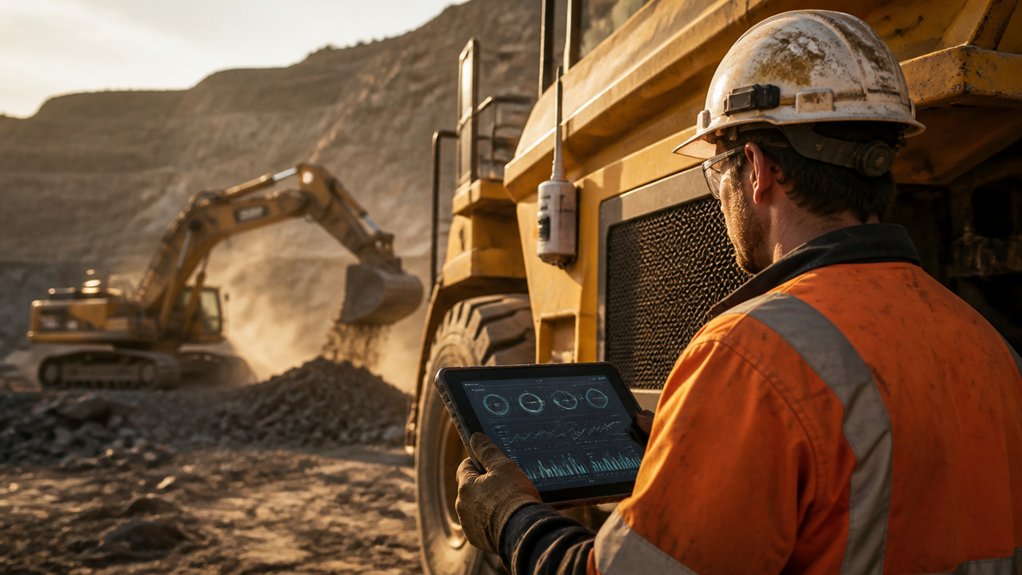
Quarry telematics helps you keep equipment productive through long shifts and demanding terrain. Use alerts and service histories to plan maintenance around production schedules, address issues early, and reduce unplanned downtime. Review fault trends to identify recurring problems and correct their root causes rather than repeatedly repairing symptoms.
Check utilization and idle-time reports to match machines to the work, reduce unnecessary wear, and make better use of available equipment. Use inspection alerts and fault information to prioritize checks and repairs before equipment problems create safety risks. Follow applicable MSHA requirements, and check current regulations when reviewing inspection and maintenance practices.
Performance reports can also help you coach operators on efficient operating practices and identify opportunities to reduce fuel use. By acting on timely, reliable data, quarry teams can improve equipment availability, support safer work, and control operating costs.
What Quarry Equipment Telematics Tracks
Quarry equipment telematics can track machine location, engine hours, fuel use, idle time, operating conditions, and reported fault codes. Review the data by asset, shift, or work area to see how equipment is being used across the site and identify where follow-up may improve productivity or safety.
Use location data to check travel patterns and whether machines remain within assigned zones. Compare engine hours with production schedules to assess utilization. Review fuel use and idle time to spot patterns that may warrant changes to dispatching, operator practices, or maintenance routines.
Depending on the machine and system configuration, sensors may also report temperatures, pressures, loads, and other operating conditions. Treat fault codes as alerts for investigation, not as a substitute for operator checks or manufacturer diagnostics. Work with equipment suppliers to select relevant parameters for each machine type and bring the data into fleet dashboards your team can use.
Telematics can support site safety practices, but it doesn’t replace required procedures; check current MSHA regulations and applicable site requirements.
Use Equipment Data to Prevent Downtime
Monitor telematics data for engine, hydraulic, and temperature changes that may signal equipment stress. When readings show an unusual trend, review the machine and schedule maintenance before a problem leads to downtime or creates a safety risk.
Use predictive alerts to prioritize inspections and plan repairs around production needs.
Always follow your site’s safety procedures and check current MSHA requirements.
Monitor Equipment Health
Telematics can help you monitor engine hours, temperatures, pressures, fault codes, and other indicators of quarry equipment health. Compare readings with each machine’s normal operating range, and review dashboard trends for changes that may affect productivity or safety. A rising coolant temperature or repeated hydraulic-pressure alert warrants attention.
Before returning equipment to service, verify alerts with an on-machine inspection and follow the applicable maintenance and safety procedures. Never bypass a warning or work around a safety fault. If a fault could affect safe operation, take the machine out of service until it has been assessed.
Remote diagnostics allow your service team to review fault codes and sensor data without traveling to the site. Use that information to identify the issue and plan a safe response. Share clear findings with operators, and train them to recognize warning indicators, report unusual sounds or performance changes, and follow shutdown procedures.
Document readings, inspections, and corrective actions to maintain an accurate health record for each machine. Follow applicable MSHA requirements and check current regulations.
Predict Maintenance Needs
Use equipment data to identify developing problems before wear or recurring faults cause unplanned downtime. Track engine temperature, oil pressure, vibration, fuel use, and fault codes alongside operating hours. When readings move away from established baselines, schedule an inspection before a component fails or creates a safety risk.
Review remote diagnostics to assess alerts, confirm likely causes, and prioritize repairs by severity and equipment criticality. Compare service records with machine data to adjust maintenance intervals based on operating conditions rather than relying only on fixed schedules.
Include operator practices in your review: harsh braking, excessive idling, and overloading can increase wear and may point to a need for coaching or an equipment check.
Plan parts, labor, and safe work windows ahead of time to limit disruption. Verify diagnostic findings onsite, follow the equipment manufacturer’s procedures, and document completed work so future maintenance decisions are better informed.
Check current MSHA requirements and applicable site procedures before performing maintenance.
Cut Quarry Fuel and Maintenance Costs
When fuel use or maintenance costs rise, start by comparing machine data by equipment, operator, shift, and task. Look for excessive idling, inefficient haul routes, heavy loading, or time spent waiting.
Telematics can help identify where dispatch changes, route adjustments, or operator coaching may improve productivity. Make changes without asking operators to exceed safe operating limits or bypass site procedures.
Use telematics to guide dispatch, route, and coaching improvements without compromising safe operating limits or site procedures.
Review service hours, fault codes, component temperatures, and repair history alongside fuel trends. This can help you separate normal wear from avoidable damage, plan maintenance around production needs, and reduce unplanned downtime.
Set clear fuel efficiency targets and compare results against consistent baselines. Use reliable cost data to prioritize changes that support measurable cost reduction while maintaining equipment reliability and production capacity.
Keep operating practices aligned with current MSHA requirements, and check current regulations when reviewing procedures.
Improve Crew Safety With Equipment Alerts
Telematics can alert crews to proximity risks, unsafe speeds and equipment faults as they occur. Set up alerts for the hazards that matter most on your site, and make sure the right people receive them promptly.
Use each warning to assess conditions, adjust routes or operating practices, and address equipment issues before they disrupt production or put workers at risk.
Include these alerts in site safety procedures, and check current MSHA requirements to confirm your practices align with applicable regulations.
Real-Time Hazard Alerts
As machines move through a quarry, timely alerts can help operators and nearby crews respond to hazards such as vehicle conflicts, unsafe speeds, and equipment faults. Telematics can combine GPS data, machine sensors, and site-defined thresholds to flag risks as they develop. Send relevant warnings to in-cab displays, wearable devices, or control-room dashboards so crews can act promptly.
Set up geofences around blast areas, unstable slopes, and restricted routes. Review and update boundaries as site conditions change, and confirm that crews know what each alert means and how to respond. Event logs can capture alert times, locations, and responses, helping you investigate near misses and improve site controls.
You can also monitor idling and unusual emissions to support environmental reviews and compliance records. Establish clear alert levels, assign responsibility for follow-up, and check that connectivity is reliable across the site.
Review current MSHA requirements and other applicable regulations when setting procedures and maintaining records.
Safer Equipment Operation
Equipment alerts can help you operate quarry equipment more safely and keep work on schedule. They can flag faults, excessive loads, and conditions outside site limits. When an alert appears, slow down, move to a designated safe area if needed, and follow your site’s response procedure.
Use telematics records to identify recurring issues and address risks before they lead to downtime or an incident.
- Review alerts for brakes, tire pressure, temperature, and overloads.
- Use location data to keep equipment out of restricted areas and away from crews.
- Confirm the cause of an alert before restarting. Report unresolved faults and follow your site’s maintenance process.
- Compare event records across shifts to spot patterns and target operator training.
Set alert thresholds according to equipment specifications and quarry conditions. Make sure operators know what each alert means and supervisors verify that the response is complete.
Alerts support safe work, but they don’t replace inspections, clear communication, or sound judgment. Follow applicable MSHA requirements and check current regulations.
Use Quarry Data to Guide Daily Decisions
Review quarry data at the start of each shift to identify production bottlenecks, rising fuel use, and abnormal machine readings before they disrupt work. Use telematics dashboards to compare haul cycles, idle time, payloads, and equipment availability with site targets. Clear visualizations can help you spot trends and assign equipment to improve throughput without overloading crews or routes.
Review alerts alongside inspection reports, and verify unusual readings before changing operating plans. If temperature, pressure, or vibration readings exceed safe limits, take the equipment out of service and follow your site’s escalation procedure. Check current MSHA requirements and applicable site procedures when making safety decisions.
Use daily findings to schedule maintenance during planned downtime, adjust dispatch priorities, and address recurring delays. Share relevant patterns with operators through focused training, explaining how operating habits can affect fuel use, equipment wear, and safety.
At the end of the shift, review results and use them to refine the next day’s plan.
Frequently Asked Questions
What Is Telematics for Quarry Equipment?
Telematics connects quarry equipment to systems that collect and share data such as machine location, fuel use, operating hours, performance, and fault codes. Use that information to track equipment, identify idle time, plan maintenance, and spot issues before they disrupt production. Pair telematics with clear operating procedures, appropriate safety controls, and strong data security practices. When integrating equipment and software, confirm that data can be shared reliably across your fleet. For safety programs, check current MSHA requirements and applicable regulations.
Can Telematics Be Installed on Older Quarry Machines?
Yes. Telematics can often be added to older quarry machines, but compatibility depends on the equipment and the system you choose. Before installation, check the machine’s power supply, available sensor connections, and the data you need to collect. Older equipment may require adapters or a standalone unit.
Have a qualified technician assess the machine and install the system. Confirm that wiring and hardware won’t interfere with machine controls, maintenance, or safe operation. Check current MSHA requirements before work begins, then test the system to make sure it provides reliable operating data.
Does Quarry Telematics Require Cellular Coverage?
No. Quarry telematics can store equipment data locally when cellular coverage is unavailable and upload it when a connection returns. During an outage, remote monitoring and diagnostics may be delayed, so plan for on-site checks of critical equipment and safety issues. Use encryption and controlled access to help protect stored and transmitted data.
Who Owns the Data Collected by Quarry Equipment Telematics?
You generally own the telematics data generated by your quarry equipment, but your service agreements may give equipment or software vendors access to it or permission to use it. Review the contract’s data ownership, access, sharing, retention, and privacy terms. Confirm who can view or export the data, limit permissions to appropriate users, and protect sensitive operational and worker information. Clear controls help you use telematics to improve productivity and safety while keeping data management aligned with your operating needs.
How Much Does a Quarry Telematics System Cost?
Quarry telematics costs vary by system, fleet size, and service plan. Ask vendors for itemized quotes covering hardware, installation, connectivity, software, and support. Compare total costs with potential gains in equipment availability, fuel management, and safer operations, and confirm how the system fits your site’s workflow and current MSHA requirements.